
Table of content
- The Real Problem Nobody Talks About
- Why Your Dexcom G7 and Stelo Sensors Keep Falling Off
- What Actually Works: The Overpatch Solution
- How to Apply CGM Overlay Patches: Quick User Guide
- Common Issues Related to CGM Patches with Solutions
- Decision For Choosing the Right CGM Covers
- Conclusion: Protection is Prevention
- Frequently Asked Questions
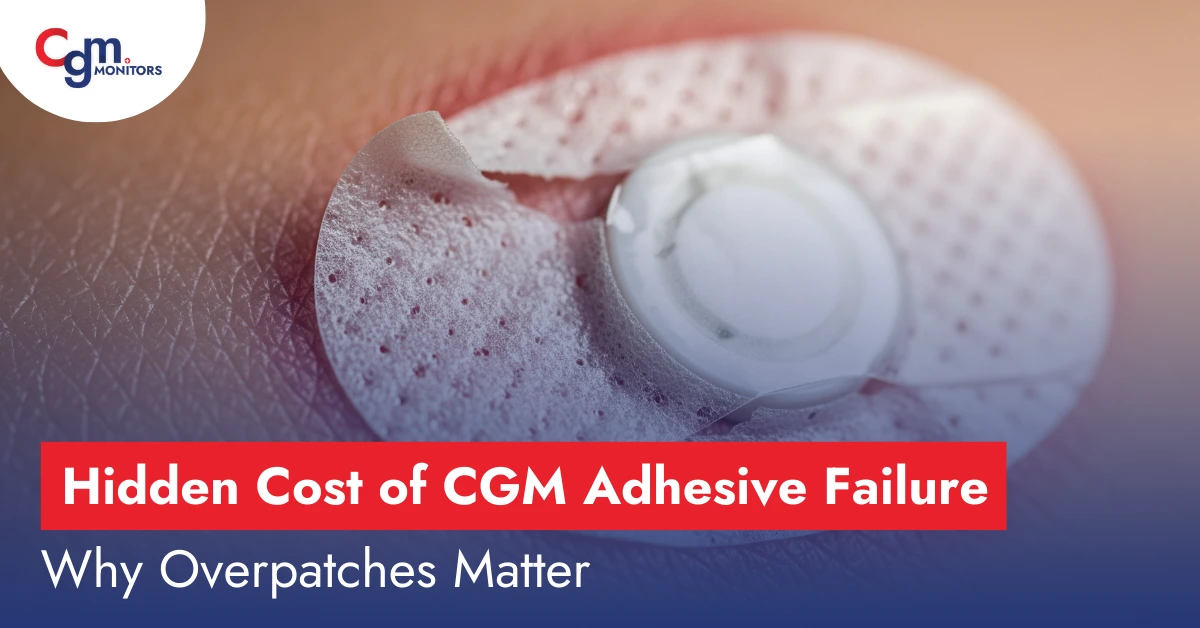
When your Dexcom G7 (standard or new one), Stelo or Libre sensors (Libre 2 plus and 3 Plus) fall off 3-5 days into a 10-15-day wear period, it’s not just an inconvenience—it’s a $110 -200 loss. Moreover, you experience a gap in your glucose data, and potentially dangerous hours without monitoring. Yet thousands of diabetics still struggle with CGM adhesive failures, often not realising that the solution costs less than a coffee.
The Real Problem Nobody Talks About
The diabetes community has been buzzing about sensor accuracy issues and connectivity problems, but there’s an equally critical challenge hiding in plain sight: adhesive failure of sensors is costing users thousands of dollars annually and creating dangerous gaps in glucose monitoring.
Recent reports of Sagepun indicate that up to 28% of CGM users experience skin reactions from device adhesives, and many more face premature sensor detachment during physical activity, showering, or simply sideway sleeping. With Dexcom G7 sensors (standard) costing approximately $11o each and Stelo sensors at roughly $99, even one early failure per month translates to $1100-1300 in annual waste.
Why Your Dexcom G7 and Stelo Sensors Keep Falling Off
The adhesive challenges facing CGM users stem from several interconnected factors that manufacturers rarely discuss in detail:
The Adhesive Formulation Changes
Dexcom G7 uses a medical-grade, pressure-sensitive, acrylic-based adhesive that may be periodically updated to optimise sensor retention. These formula adjustments, while intended to improve performance, can affect how the adhesive interacts with different skin types and environmental conditions.
Manufacturing Quality Concerns
A warning letter issued by the FDA in March 2025, following an audit of manufacturing sites, revealed that an unvalidated component change in a resistive layer of some sensor batches showed worse performance. While this specific issue has been addressed, it highlights the ongoing challenge of maintaining consistent adhesive quality across millions of sensors.
The Real-World Gap
Clinical trials test sensors under controlled conditions, but real life involves:
- Intense workouts that generate excessive sweat
- Body oils and lotions that compromise adhesion
- Constant movement during sleep
- Clothing friction that catches sensor edges
- Swimming and water exposure beyond simple showering
- Hot, humid climates that break down adhesives faster
What Actually Works: The Overpatch Solution
The best overpatch for Dexcom G7 and Stelo isn’t determined by brand name alone—it’s about matching the right features to your specific needs and challenges.
For Active Lifestyles and Athletes
If you’re an athlete or highly active individual, your primary concern is keeping sensors secure during intense movement and sweat. The best waterproof patches for Dexcom G7 need to meet several criteria:
- Sweat-proof adhesive that strengthens rather than weakens with moisture
- Four-way stretch material that moves with your body during exercise
- Edge reinforcement to prevent corner lifting during activity
- Breathability to allow moisture vapor escape despite waterproofing
Popular options include CGM Monitors’ patches, which athletes report staying secure through marathons, swimming sessions, and high-intensity interval training.
How to Apply CGM Overlay Patches: Quick User Guide
Even the best CGM overpatch will fail if applied incorrectly. Here’s the technique that experienced users swear by:
The 12-Hour Rule
The longer you keep it dry and sweat-free in the first 12 hours, the longer it may stick to your skin. Plan sensor changes around your schedule—not before workouts or showers.
The Skin Prep Protocol
- Double cleanse: Wash with soap and water, then use an alcohol wipe to remove any residual oils
- Completely dry: Use a hair dryer on cool setting if needed. Any moisture compromises adhesion
- Consider Skin Tac: Apply a thin layer of liquid adhesive like Skin Tac for Dexcom G7 to enhance base adhesion
- Apply immediately: Don’t wait—apply your overpatch right after sensor insertion while skin is still clean and tackifier is fresh
The Pressure Technique
After applying your patch, press firmly for 30-60 seconds, focusing on edges where lifting typically begins. Body heat activates many medical adhesives, so this pressure-and-warmth combination creates optimal bonding.
Common Issues Related to CGM Patches with Solutions
Here are the most common issues related to CGM patches but along with the solution to handle such situations.
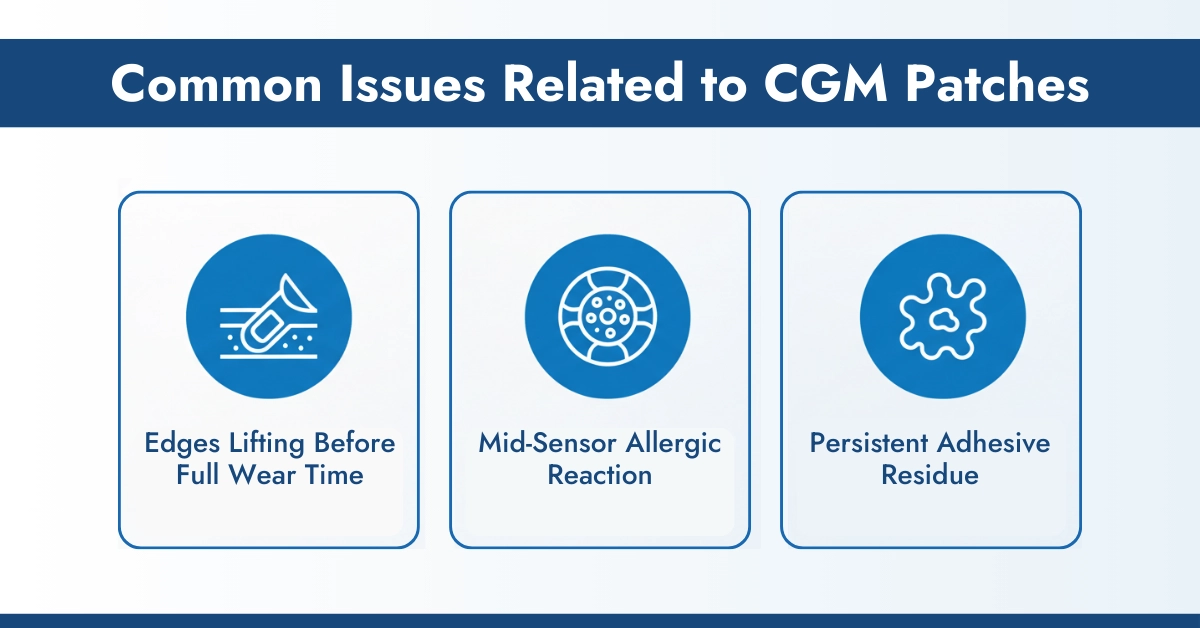
1. Edges Lifting Before Full Wear Time
If it peels off your skin, trim the peeled parts and put on medical tape. Keep a small roll of medical tape handy for quick edge reinforcement.
2. Mid-Sensor Allergic Reaction
If you develop a reaction during wear, try applying a barrier spray like Flonase to the irritated area around the sensor, not under the sensor. CGM monitors’ use shares experience with us, which reduces inflammation enough to complete the sensor session while planning better solutions for next time.
3. Persistent Adhesive Residue
Use proper adhesive removers like Uni-solve or Detachol rather than harsh scrubbing. Baby oil works in a pinch but requires thorough washing afterward before applying a new sensor.
Decision For Choosing the Right CGM Covers
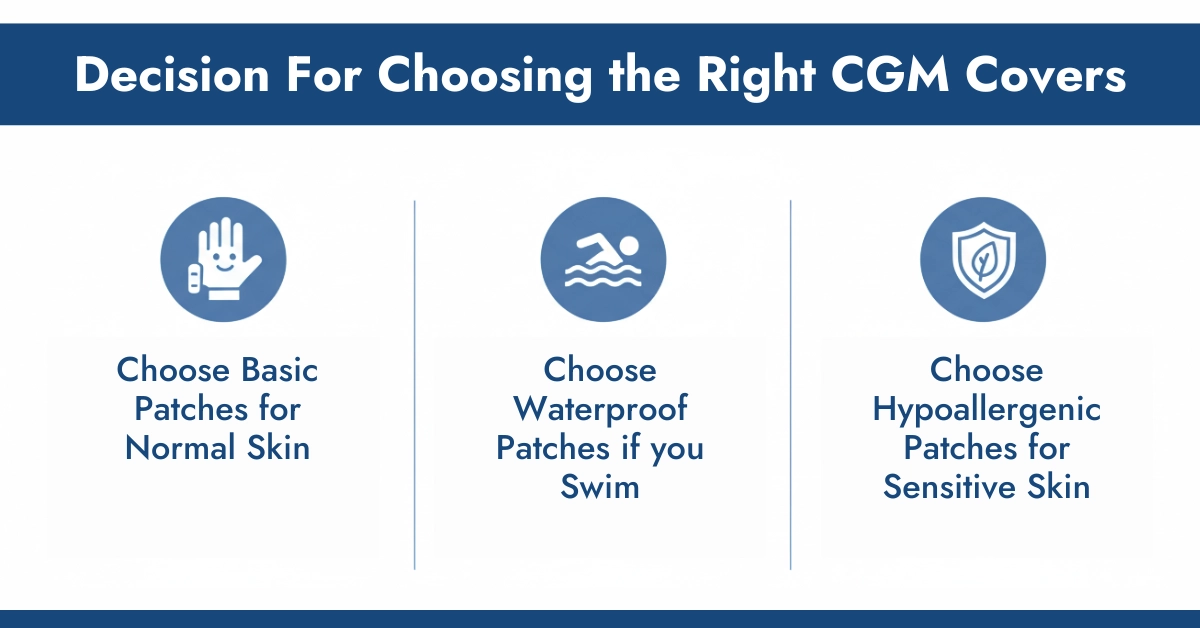
The best Dexcom G7 adhesive patches or best CGM overpatch for you depends on your specific situation:
Choose basic clear patches if you:
- Have normal skin without sensitivity issues
- Need occasional reinforcement during specific activities
- Prefer discrete, nearly invisible protection
Choose athletic/waterproof patches if you:
- Exercise intensely or frequently
- Swim regularly
- Live in hot, humid climates
Choose decorative patches if you:
- Want to express personal style
- Have children who are self-conscious about visible devices
- Enjoy matching patches to outfits or seasons
Choose premium hypoallergenic patches if you:
- Experience any skin irritation with standard adhesives
- Have a history of allergic reactions
- Need maximum skin protection
Conclusion: Protection is Prevention
The right overpatch transforms your CGM experience from a constant worry about sensor failure into a reliable, consistent monitoring system. Whether you’re searching for the best patches for Dexcom G7, need Stelo overpatches, or require specialized solutions for sensitive skin, the investment in quality adhesive protection pays for itself many times over.
Don’t wait for another premature sensor failure. The few dollars spent on proper overpatches can save hundreds in wasted sensors while ensuring the continuous glucose data that keeps you safe. Your diabetes management deserves that level of security.
Frequently Asked Questions
How can I prevent my CGM from falling off?
To keep your CGM (Libre and Dexcom sensors) secure, start by cleaning the application site with alcohol wipes to remove oils and residue, then let it dry completely before attaching the sensor (Libre 2 Plus, Libre 3 Plus, Dexcom G7, or Dexcom G7 new). Reinforce the sensor with waterproof overlay patches from trusted DME suppliers like CGM Monitors for extra hold during workouts or swimming. Avoid tight clothing over the sensor area and regularly check edges for lifting so you can reapply adhesive patches if needed.
How do I properly prepare my skin before applying a CGM to ensure adhesion?
Begin by gently washing the application area with mild soap and water, avoiding lotions, oils, or creams that can block adhesion. Pat the skin completely dry to remove moisture, then use an alcohol swab for a final degreasing step. If hair is present, trim it carefully with clippers (do not shave) to improve contact. Wait a few minutes after prep so the skin reaches normal temperature before applying the CGM.
What causes CGM adhesive failure?
CGM adhesive failure is commonly caused by skin oils, sweat, humidity, or leftover skincare products that weaken the bond. Friction from clothing and repeated movement can also cause peeling. Industry reports in 2025 suggest nearly 28% of adhesion failures are linked to improper skin preparation and moisture-related issues.
Who manufactures the most durable CGM adhesives?
CGM Monitors and Deliver My Meds are known for supplying highly durable, skin-safe adhesive solutions compatible with major CGM systems. Their overlay patches are designed for moisture resistance, extended wear, and sensitive skin, helping improve overall sensor longevity.
Where can I buy waterproof overlay patches for CGM devices?
Waterproof overlay patches can be purchased from specialized CGM suppliers such as CGMMonitors.com. These platforms offer patches compatible with multiple CGM brands, including Medtronic, FreeStyle Libre, and Dexcom, with quick shipping and model-specific options.
Where can I find stronger adhesive patches for my CGM?
Stronger, sweat-resistant adhesive patches are available on sites like CGMMonitors.com, offering options designed specifically for Libre and Dexcom sensors. These patches provide extended wear support, user reviews, and easy online ordering to help you choose the right fit.
Why does my FreeStyle Libre adhesive fail more often than Dexcom?
FreeStyle Libre sensors have a thinner and more flexible profile, which can make the adhesive more prone to edge lifting in high-movement or high-sweat areas. Libre’s 15-day wear period also increases exposure to moisture buildup, whereas Dexcom’s firmer adhesive and shorter wear cycle often feel more secure in humid conditions.
Why is my continuous glucose monitor falling off early?
Early CGM detachment usually occurs due to poor skin preparation, such as moisture, oils, or residue left on the skin at application. Physical activity, friction from clothing, allergic skin reactions, or dead skin buildup can further weaken adhesion. Improper sensor storage before use may also reduce adhesive strength.
What common environmental factors contribute to CGM adhesive failure?
High humidity and heat can soften adhesives, allowing sweat to accumulate under the sensor and weaken the bond. Water exposure from swimming or frequent showers can also reduce adhesion without protective overlays. Extreme cold may make adhesives brittle, while environmental pollution or altitude changes can subtly affect adhesive performance over time.



Write a comment
Your email address will not be published. All fields are required