




Introducing Dexcom G6 Patches
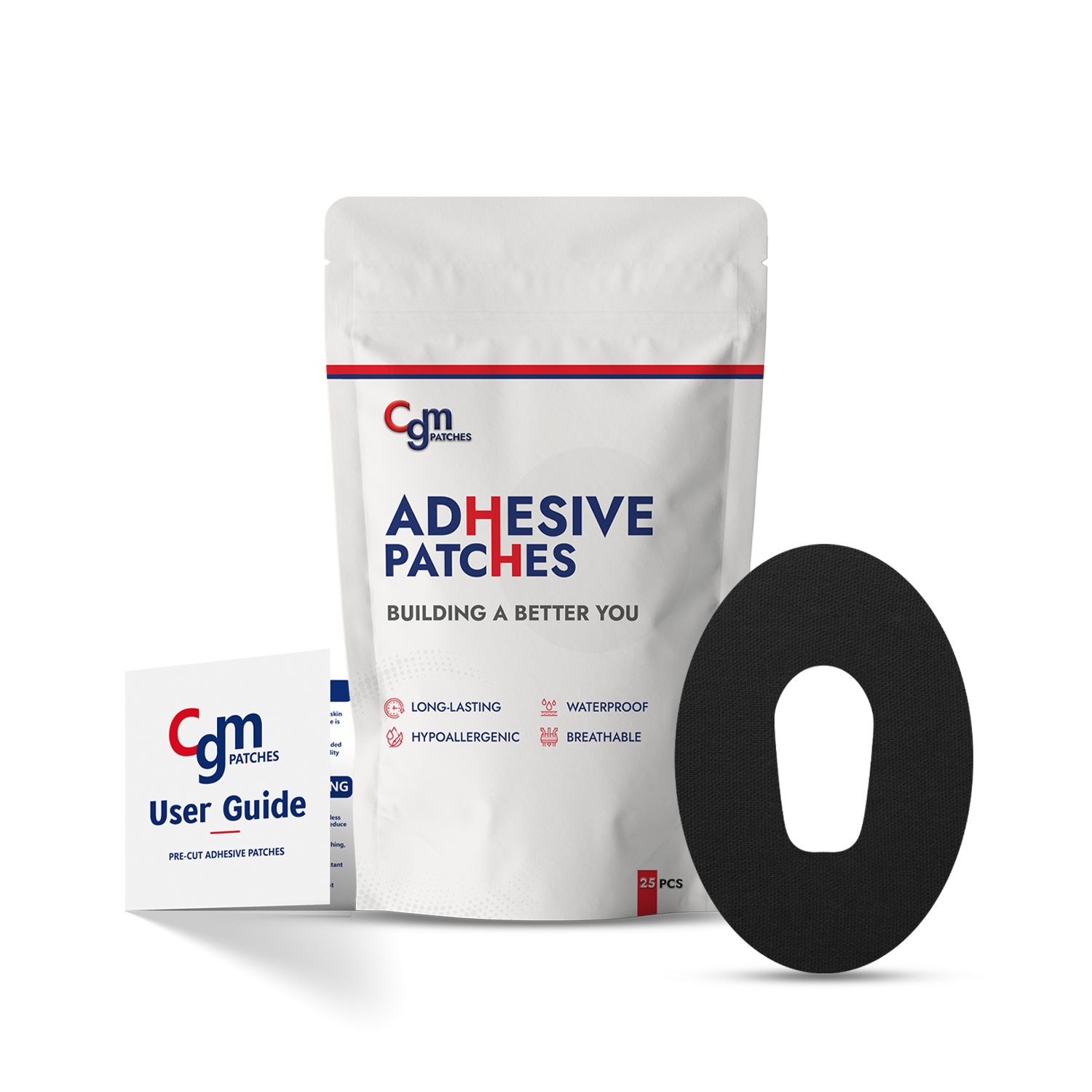
Keep your Dexcom G6 sensor secure and comfortable with premium Dexcom G6 patches made by CGM Monitors. Designed for durability, skin-friendliness, and style, these adhesive patches provide reliable protection for your continuous glucose monitoring (CGM) sensor, ensuring it stays in place regardless of your daily activities. Finding the right Dexcom G6 overlay patches can transform your diabetes management experience. Whether you’re swimming, working out, or enjoying everyday life with your family, these patches provide long-lasting adhesion while being gentle on the skin.
Key Features of Dexcom G6 Overlay Patches
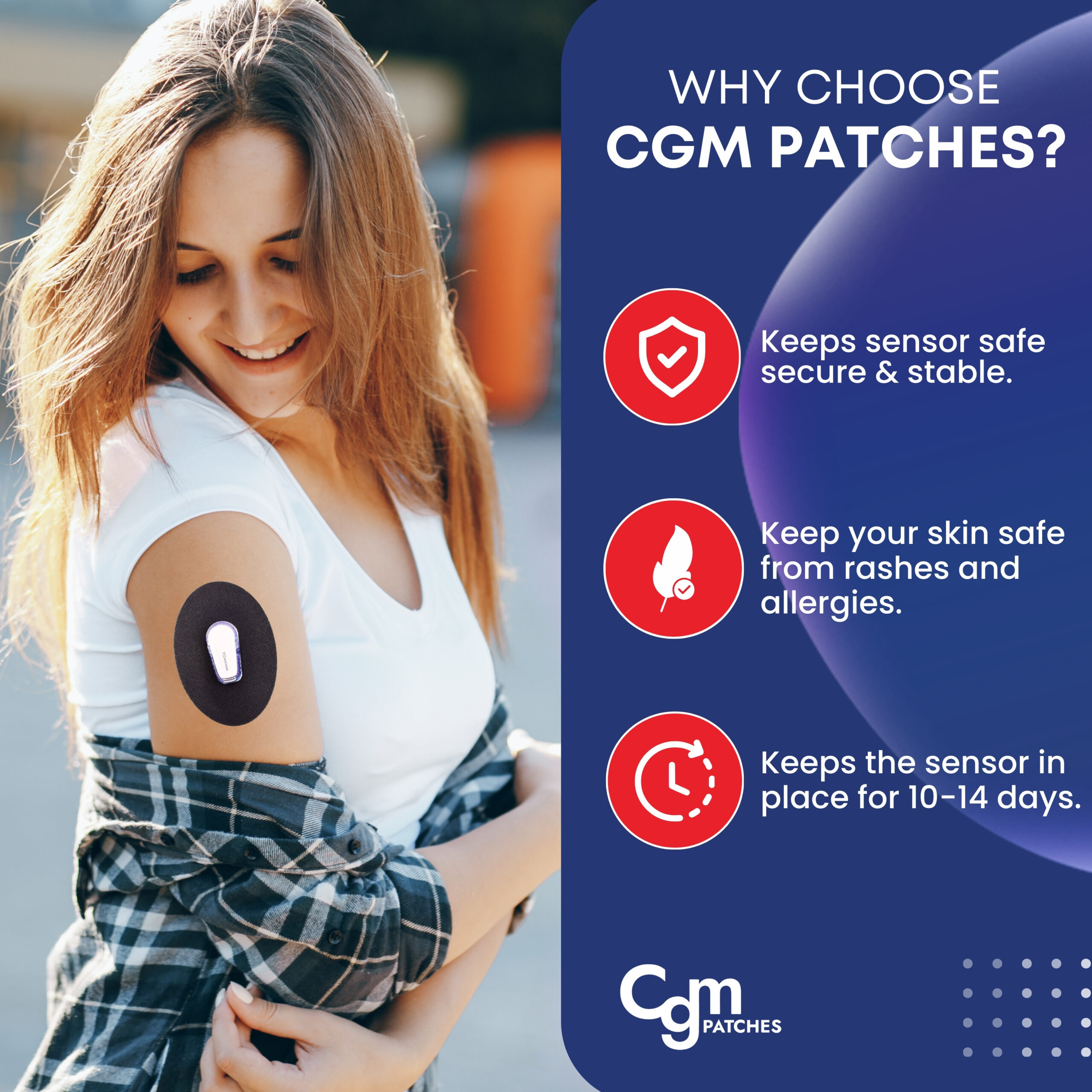
Hypoallergenic and skin-friendly
Ideal for users with sensitive skin, including those with oily skin, CGM Monitors’ best Dexcom G6 patches prevent irritation while maintaining strong adhesion.
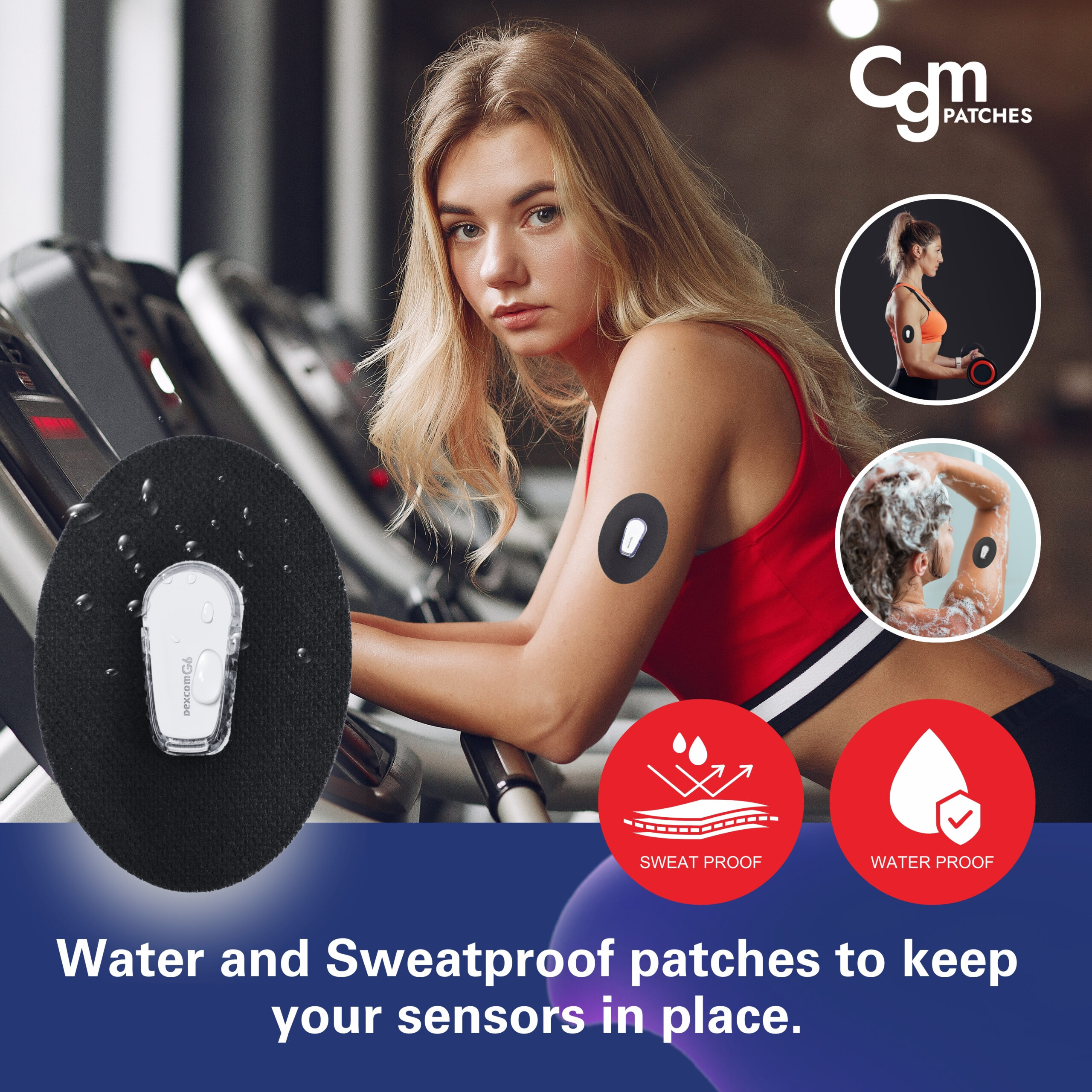
Waterproof design
Enjoy swimming, showering, or sweating without worrying about your sensor coming loose with our best waterproof patches.
Decorative and fun options
Express yourself with Dexcom G6 decorative patches, including holiday-themed designs such as Dexcom G6 Christmas patches and Dexcom G6 Halloween patches, along with fully customizable options.
Durable adhesion
The best adhesive patch for Dexcom G6 utilizes medical-grade acrylic adhesives that bond securely without damaging skin upon removal.
Pre-Cut Precision
Our adhesive patches for dexcom g6 come pre-cut to exact specifications, ensuring proper fit and eliminating guesswork during application.
User Guide for Application of CGM Patches
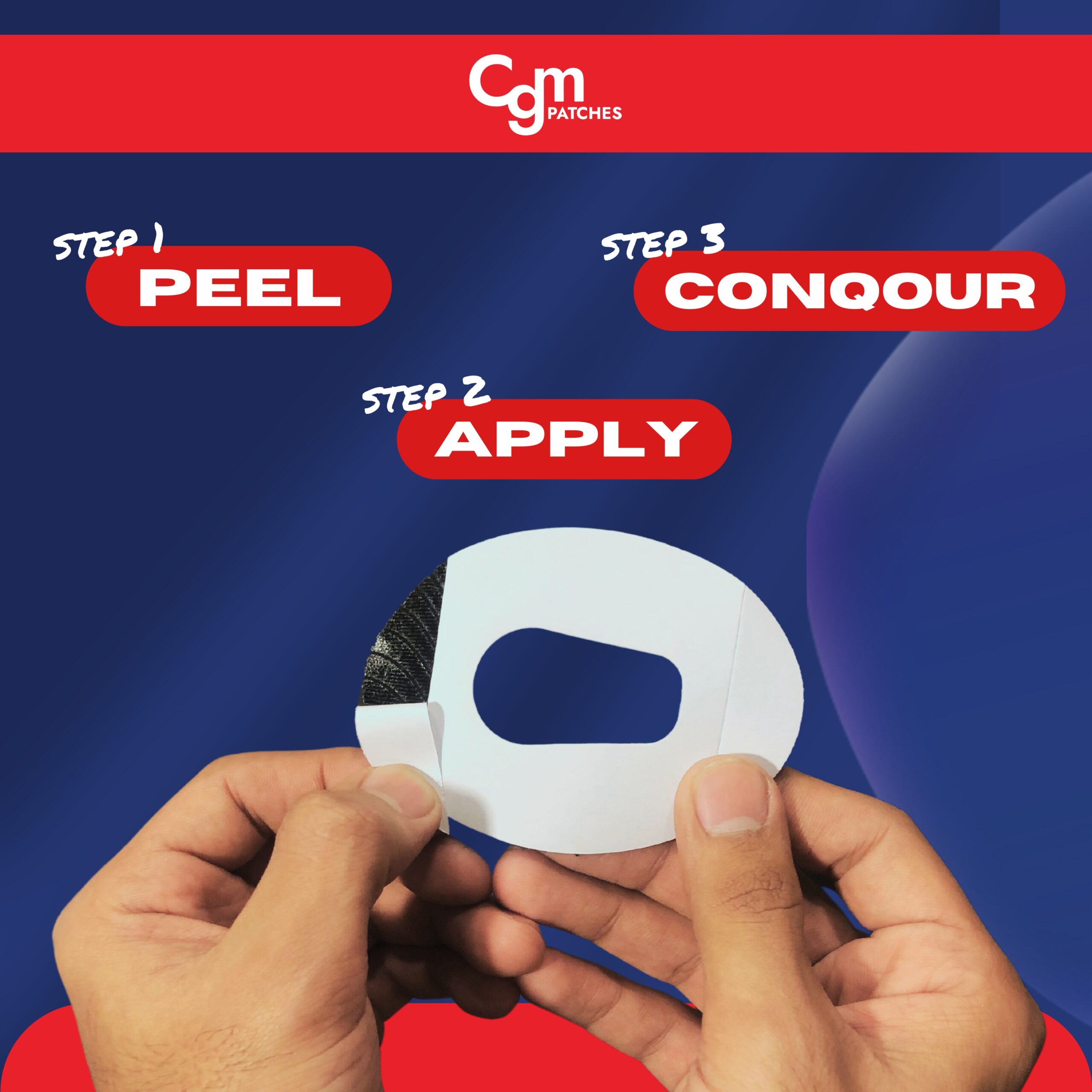
Here are the five universal simple steps to correctly apply CGM patches on your skin.
- Wash the sensor area with soap and water, then dry completely. Use an alcohol wipe and let it air dry for 30 seconds. Make sure your Dexcom G6 sensor is already inserted.
- Carefully peel away the backing paper from your overlay patch. Hold the patch by its edges to avoid touching the adhesive surface; otherwise, you cannot get good results.
- Position the overlay patch so the center hole aligns perfectly with your sensor. Look in a mirror or ask someone to help you get it perfectly.
- Starting from the center, press down firmly and smooth outward toward the edges. Use your fingers to apply even pressure across the entire patch.
- Put or rub the entire patch briskly with your palm for 15-20 seconds. The warmth from friction helps activate the medical-grade adhesive.
Important: CGM MOnitors recommend testing a small patch on your skin first to ensure no allergic reactions. Apply with confidence and go carefree.
Order Your Dexcom G6 Protection Today
Don’t let sensor failures disrupt your glucose monitoring. Invest in reliable dexcom g6 patch protection that keeps your CGM secure through every activity. Browse our complete selection of CGM patches and find the perfect solution for your lifestyle needs. Shop Now and experience the confidence of worry-free continuous glucose monitoring with professional-grade adhesive patches precut for sensor protection.
Related products
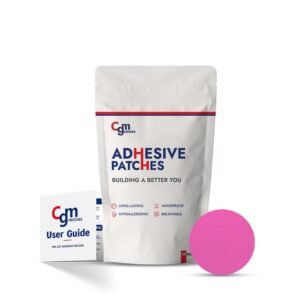

FreeStyle Libre 3 Plus Patches without Cutout (25 PACK)
10-14 Days CGM Stickers | Pack of 25
Waterproof and sweatproof
Strong skin adhesive
Breathable comfort fabric
Lasts up to 10 days
Hypoallergenic and latex-free
Easy peel and stick
Eligible for purchase with HSA and FSA


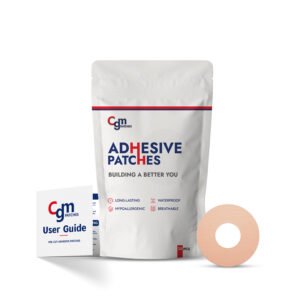

CGM Patches - Freestyle Libre 3 Patches with Cutout
10-14 Days CGM Stickers | Pack of 25
Waterproof & Sweatproof
Pre-Cut for Convenience
Stretchable Fit
Eligible for purchase with HSA and FSA
Freestyle Libre 3 Plus Patches with Cutout – 14-Day Patch
10-14 Days CGM Stickers | Pack of 25
Waterproof & Sweatproof
Hypoallergenic
Pre-Cut Patches
Eligible for purchase with HSA and FSA
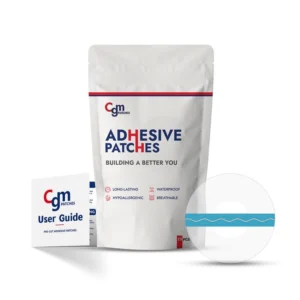

FreeStyle Libre 2 Plus Patches Without Cutout - 25 Packs
10-14 Days CGM Stickers | Pack of 25
No-cut sensor coverage
Waterproof adhesive patches
Soft cotton-spandex blend
Freestyle Libre 2 plus patches
Medical-grade, skin-safe glue
14-day secure wear
Eligible for purchase with HSA and FSA
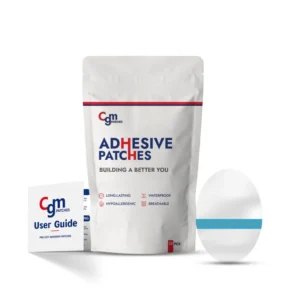
CGM Patches - Dexcom G7 Cover Patch (without Cutouts)
Dexcom G7 Patches (Upto 14 Days) | Pack of 25
Waterproof
Breathable
Stretchable (97% cotton and 3% spandex)
Without Cutout
Eligible for purchase with HSA and FSA
CGM Patches - Freestyle Libre 2 Patch Without Cutout
10-14 Days CGM Stickers | Pack of 25
Waterproof
Breathable
Stretchable (97% cotton and 3% spandex)
Without Cutout CGM Patches
Eligible for purchase with HSA and FSA
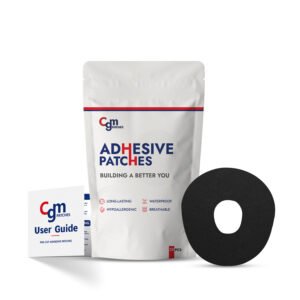
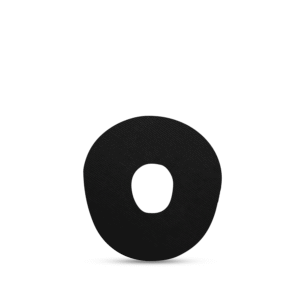
Buy Best Dexcom G7 Overpatch and Stelo (with Cutout)
CGM Stickers for Dexcom G7 and Stelo | Pack of 25
Waterproof.
Breathable.
Stretchable (97% Cotton and 3% Spandex)
Pre-Cut for Easy Application
Eligible for purchase with HSA and FSA
CGM Patches - Freestyle Libre 3 Patch Cover Without Cutout
10-14 Days CGM Stickers | Pack of 25
Waterproof
Breathable
Stretchable (97% cotton and 3% spandex)
Without Cutout CGM Patches
Eligible for purchase with HSA and FSA
Meredith Webster –
Love the discreet design. Comfortable and barely noticeable under clothing.
Lee Young –
Finally, a patch that actually stays in place. This CGM Patch for Dexcom G6 stays secure all day long. Highly recommend!
Cavin Bryan –
No more worrying about the sensor falling off!